
TiviMate vs IPTV Smarters Pro: Which IPTV App Is Better in 2026?
ZYMINEX Support Team
June 18, 2026
TiviMate vs IPTV Smarters Pro is the first decision every IPTV subscriber faces. TiviMate is the better daily driver on Firestick and Android TV: polished guide layout, catch-up, and recording on its Premium tier. IPTV Smarters Pro covers more devices for free, including iPhone and iPad, where TiviMate has no native option. Here is how to choose.
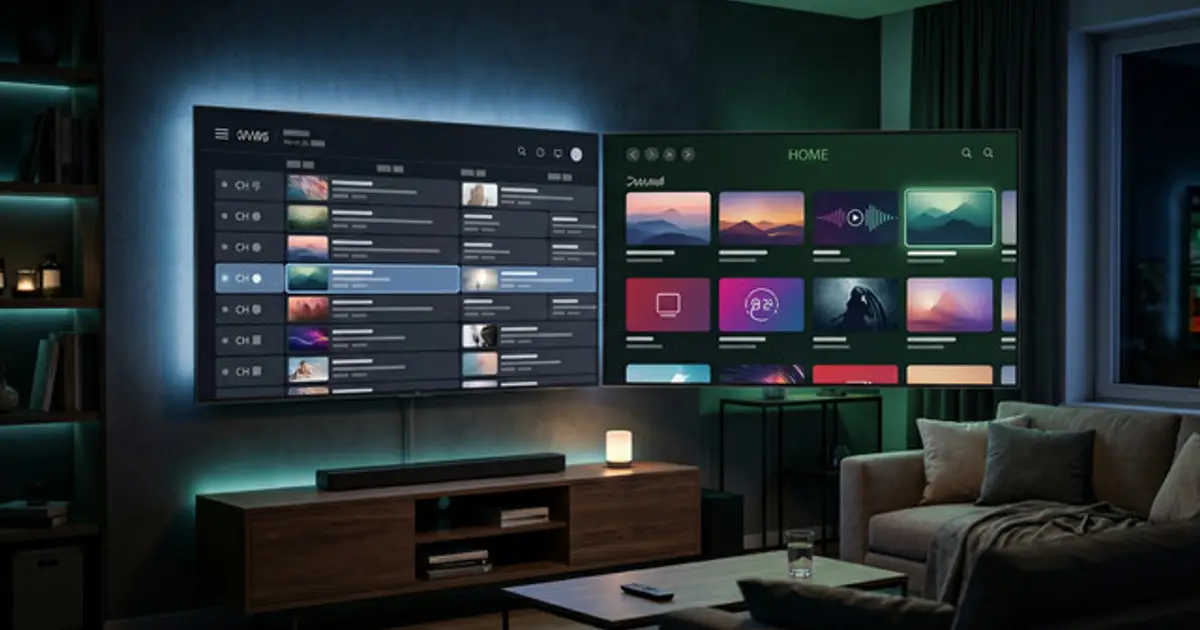
Quick verdict: which should you pick?
Most people can settle this in 30 seconds. Device first, then habits. If you have a Firestick or an Android TV box and you want a proper TV-guide experience with favourites and recording, TiviMate Premium is worth it. If you share a house with iPhone users, or you just want a free app that works everywhere without configuration friction, go with Smarters.
| If you are... | Pick |
|---|---|
| iPhone or iPad user | IPTV Smarters Pro |
| Firestick or Android TV power user who wants a polished guide | TiviMate (Premium) |
| Total beginner who wants the simplest setup | IPTV Smarters Pro |
| Using mixed devices (Android and iOS) in one household | IPTV Smarters Pro |
| Heavy EPG user who organises favourites and records channels | TiviMate (Premium) |
| Want a free option that covers everything without paying | IPTV Smarters Pro |
First, what these apps actually do (and don't)
Neither app includes channels. TiviMate and IPTV Smarters Pro are players: they load a playlist you get from an IPTV subscription and turn it into a watchable interface. If you do not have a subscription yet, the apps are empty. You need M3U or Xtream Codes credentials first. A service like ZYMINEX IPTV provides those credentials the moment you sign up, and both apps support that login format.
That is a point most app comparisons skip. The app is just the remote. The channels come from the service behind it.
TiviMate vs IPTV Smarters Pro at a glance
| Feature | TiviMate | IPTV Smarters Pro |
|---|---|---|
| Best platforms | Android TV, Fire TV, Android boxes | Android, iOS, Fire TV, Smart TV |
| iOS support | No native iOS app | Yes, iPhone and iPad |
| Interface | Guide-style grid, polished | Tile-based menu, functional |
| EPG / guide | Strong, configurable layouts | Good, simpler layout |
| Catch-up | Yes (Premium) | Yes, provider dependent |
| Recording | Yes (Premium) | Limited in most versions |
| Multi-playlist | Yes (Premium) | Yes, free |
| Free version | Yes, limited features | Yes, full featured |
| Paid tier | TiviMate Premium (one-time or annual) | No paid tier required |
| Best for | Android TV power users | Mixed-device households |
The table captures most of it. TiviMate has the better interface and more powerful features, but the best ones cost money and the app only runs on Android-based devices. Smarters gives you a complete, working IPTV player across Android, iOS, and more without spending anything.
Interface and daily use
This is where TiviMate earns its reputation. The channel guide shows a full timeline with programme information across multiple channels at once, and you can organise channel groups, pin favourites, and configure the layout exactly how you want it. Channel switching is fast. Day to day, it is a more comfortable app to live with if you are on Android.
IPTV Smarters Pro is not poorly designed. The tile-based layout with category browsing works well, especially for beginners who have never set up an IPTV app before. But if you want to glance at what is on across ten channels simultaneously, like a real TV guide, TiviMate's grid is genuinely better.
Honestly, if you are on Android only, try TiviMate free first. A few hours with it is enough to know whether you want to pay for Premium.
Devices and platforms
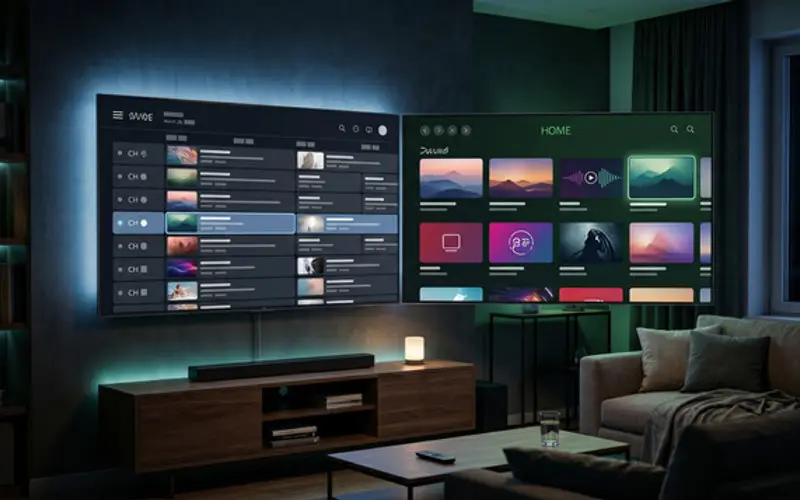
TiviMate runs on Android TV, Fire TV (Firestick runs on Android under the hood), and Android set-top boxes. That covers a wide range within the Android world. But it has no iOS app. If you are on iPhone or iPad, TiviMate is simply not an option.
IPTV Smarters Pro runs on Android, iOS, Fire TV, certain Smart TVs, and some MAG boxes. The cross-platform reach is meaningfully wider, and it costs nothing to install on any of them. For a household with mixed devices, Smarters is the practical answer.
For Firestick specifically, both apps involve a sideloading step to install. The full process is in the guide for setting up IPTV on Firestick.
EPG, catch-up, and recording
The Electronic Programme Guide is where TiviMate separates itself most clearly. The guide layout is a full timeline of what is on now and next across your channel list, and it is configurable in ways Smarters is not. If your provider sends reliable EPG data, TiviMate presents it better.
IPTV Smarters Pro supports EPG and shows programme information, but the layout is simpler and less flexible. It works fine for checking what is on a single channel. It is less practical for browsing across many channels at once.
Catch-up (watching content that already aired via the EPG) works in TiviMate Premium when the provider supports it. Recording to local storage is also a TiviMate Premium feature. Smarters does not offer reliable recording in most versions. For anyone who watches sport on a delay or wants to save a programme, that gap is real.
Buffering and playback quality
Keep this in perspective: the app is almost never the root cause of buffering. Your internet connection, the device's processor, and the IPTV provider's server load account for most stalling. Switching apps rarely fixes that.
Both apps let you adjust the buffer size and the video decoder (hardware or software). TiviMate's settings panel for this is slightly clearer to navigate. For everything else that causes freezing and how to actually fix it, the full guide on fixing IPTV buffering covers every cause in order.
Price: free vs paid
IPTV Smarters Pro is free. The core features, including Xtream Codes login, M3U support, EPG, catch-up, and multi-device use, are included without paying. There is a paid variant in some storefronts, but most users never need it.
TiviMate has a free version that covers the basics. Recording, catch-up, multiple playlists, and the more advanced guide layouts are locked behind TiviMate Premium. Premium is available as a one-time purchase or annual subscription, and the price varies by storefront and region. Check the current listing on your device's app store before purchasing. Most people who use TiviMate regularly find Premium worth the cost. People who just want a working player often find the free version is enough.
Pros and cons
TiviMate
- Best guide interface on Android TV and Fire TV
- Recording and catch-up (Premium) that Smarters does not match
- Fast, smooth channel switching
- No iOS support whatsoever
- Best features require paying for Premium
- Android only
IPTV Smarters Pro
- Native iOS and iPadOS support
- Free version covers almost all use cases
- Wider platform support overall
- Interface is less polished than TiviMate
- EPG layout is less configurable
- Recording support is limited or absent
Which app is right for you?
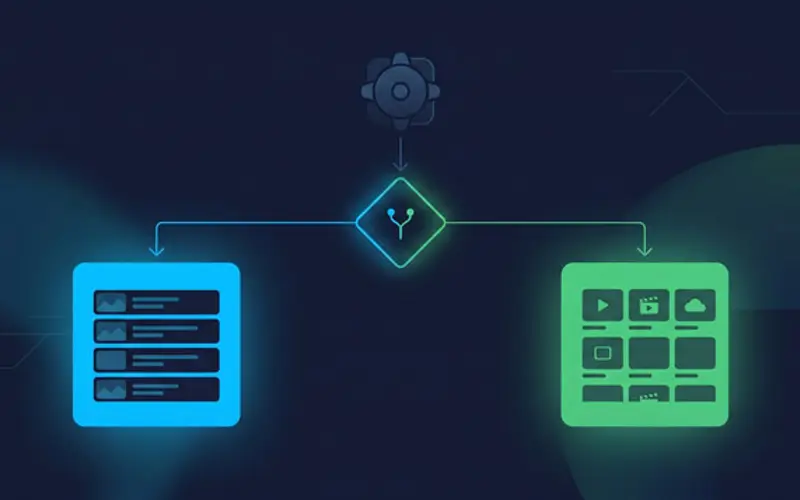
Work through this in order:
- iPhone or iPad? Use IPTV Smarters Pro. TiviMate has no iOS app.
- Firestick or Android TV box? Try TiviMate free for a few hours. If the guide feels right, pay for Premium. If you want a no-cost option that still works well, Smarters is a solid choice.
- Mixed household (Android and iOS)? IPTV Smarters Pro is the only app that covers everyone.
- Need recording or heavy catch-up use? TiviMate Premium is the answer. Smarters does not come close here.
- New to IPTV entirely? Start with Smarters. Fewer settings, works everywhere, no cost. Switch later if you want more.
The part that decides it for most people: device type, then whether recording matters. Everything else is a preference call.
Best settings after install (both apps)
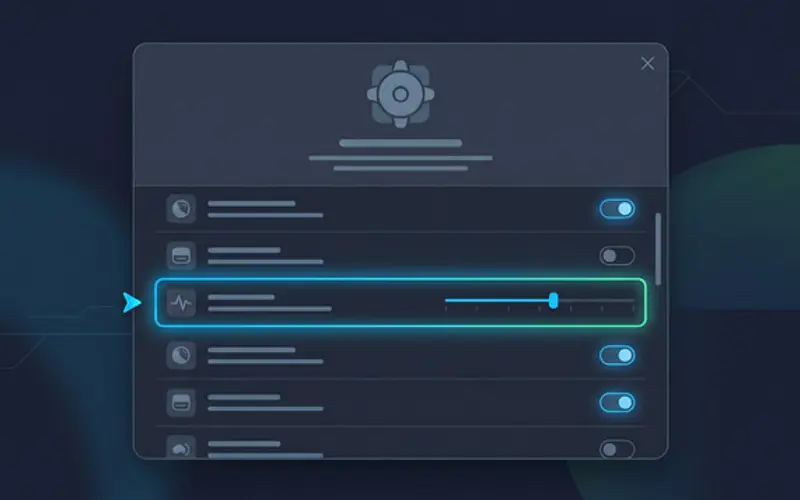
These settings will not fix a bad internet connection, but they are the right starting point for a smooth first session on either app.
| Setting | TiviMate | IPTV Smarters Pro |
|---|---|---|
| Buffer size | Settings > Player > Buffer Size > Large or Very Large | Varies by version; try an external player if no buffer control is shown |
| Decoder | Settings > Playback > Video decoder: Hardware first, switch to Software if issues appear | Settings > Player Selection: test built-in vs external player (MX Player, VLC) |
| Connection type | Add playlist > Xtream Codes API (more reliable than raw M3U for EPG) | Login with Xtream Codes API |
| Stream format | Auto by default; try MPEG-TS if HLS stutters | Auto or MPEG-TS; switch if stutter appears |
| First fix if it stutters | Increase buffer, then switch decoder, then check the connection | Try an external player first, then check the connection |
One practical note: always connect via Xtream Codes if your provider supports it, rather than a raw M3U link. It loads EPG more reliably, handles VOD better, and is more stable in both apps long term.
Frequently asked questions
Is TiviMate better than IPTV Smarters Pro?
On Android TV and Firestick, TiviMate is the better daily app if you use the guide often and are willing to pay for Premium. IPTV Smarters Pro is better if you need iOS support or want a fully functional free option across more device types.
Does IPTV Smarters Pro work on iPhone and iPad?
Yes. IPTV Smarters Pro has a native iOS app. TiviMate has no iOS version, so for iPhone and iPad users, Smarters is the only practical choice between the two.
Is TiviMate Premium worth paying for?
If you use recording, catch-up, multiple playlists, or the advanced guide layouts, yes. If you just want to load a playlist and watch live channels, the free version handles the basics and may be enough.
Do these apps include channels, or do I need a subscription?
Neither app includes channels. Both are players that load content from an external IPTV subscription. You need an active subscription with M3U or Xtream Codes credentials before either app does anything useful.
Which app is better for the TV guide and EPG?
TiviMate. The guide is more configurable and the programme timeline is easier to browse across many channels at once. IPTV Smarters Pro supports EPG too, but with less layout control.
Which app buffers less?
Neither is reliably better at reducing buffering. Your internet connection, device processing power, and the provider's servers are the main factors. Both apps support buffer size and decoder settings that help at the margins, but persistent buffering is almost always caused by something outside the app.
Can I use the same playlist in both apps?
Yes. Your M3U URL or Xtream Codes credentials work in any compatible IPTV player. You can run TiviMate and IPTV Smarters Pro on different devices using the same credentials, within the simultaneous connection limit of your plan.
Which app is best for Firestick?
TiviMate is the more popular pick on Firestick for its guide quality. IPTV Smarters Pro is easier to set up and works on both Firestick and iOS, which matters for households with mixed devices.
Whichever app you choose, it is only as good as the stream behind it. If you want a stable service to load into either player, ZYMINEX IPTV supports both Xtream Codes and M3U across all current devices. You can test it before committing with a free 24-hour trial, or check the pricing page to compare plans.
One last distinction worth making: this article is about choosing a player app. If you are still deciding on a provider, or want to know what separates a reliable IPTV service from a weak one, that question is covered in the guide on choosing a reliable IPTV service.
Test ZYMINEX IPTV on Your Device
Try the service before choosing a plan. Get full access for 24 hours, then compare the plan options when you are ready.